Give every site
a budget, not
your wallet.
A wallet for websites. Connecting shows a site your address and nothing else. When it wants to be paid, it gets its own limit, enforced on Monad, and one switch freezes it.
Coming to the Chrome Web Store. Until then it installs in developer mode, in about a minute.
Three steps. Eleven cents.
This page is a site like any other. Connect Kova for Chrome to it, let it ask for a tip, then open an article that costs a cent.
- 01
Connect
This site sees your address and balance, like any site you connect. It can’t spend.
- 02
Send a 10¢ tip
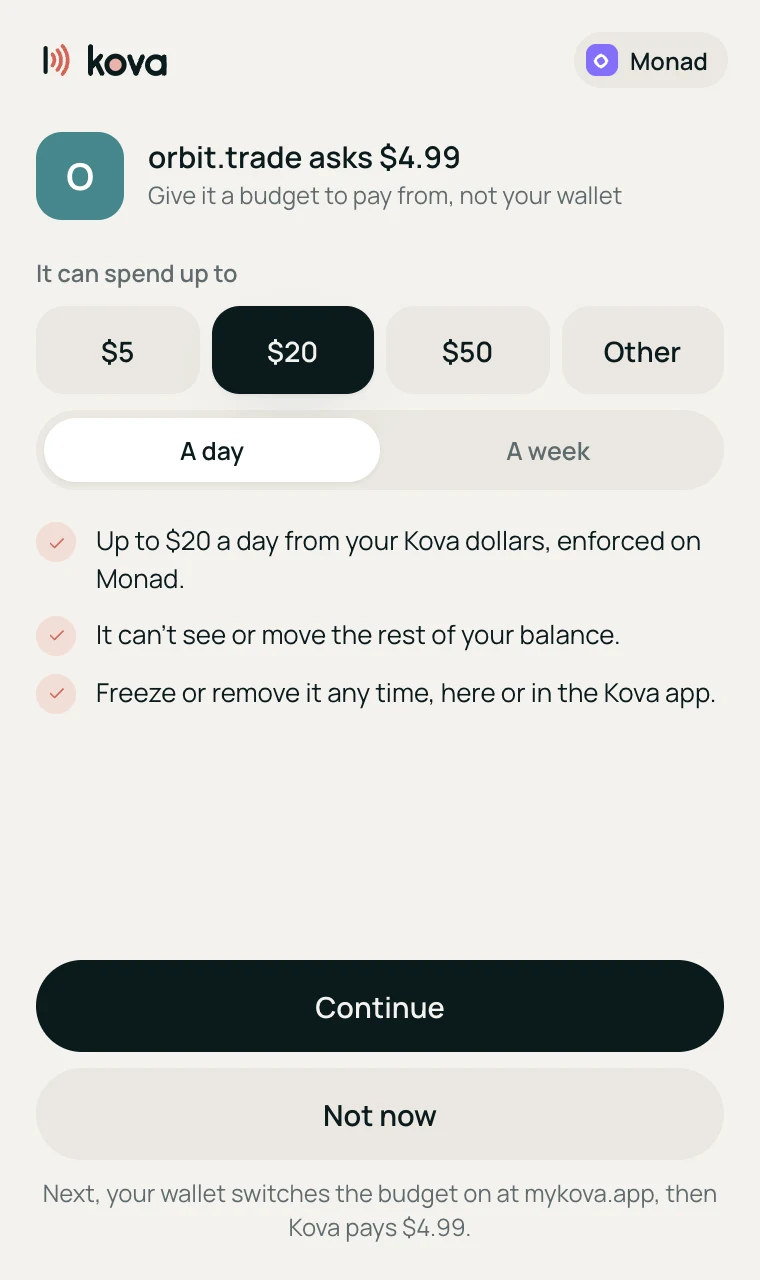
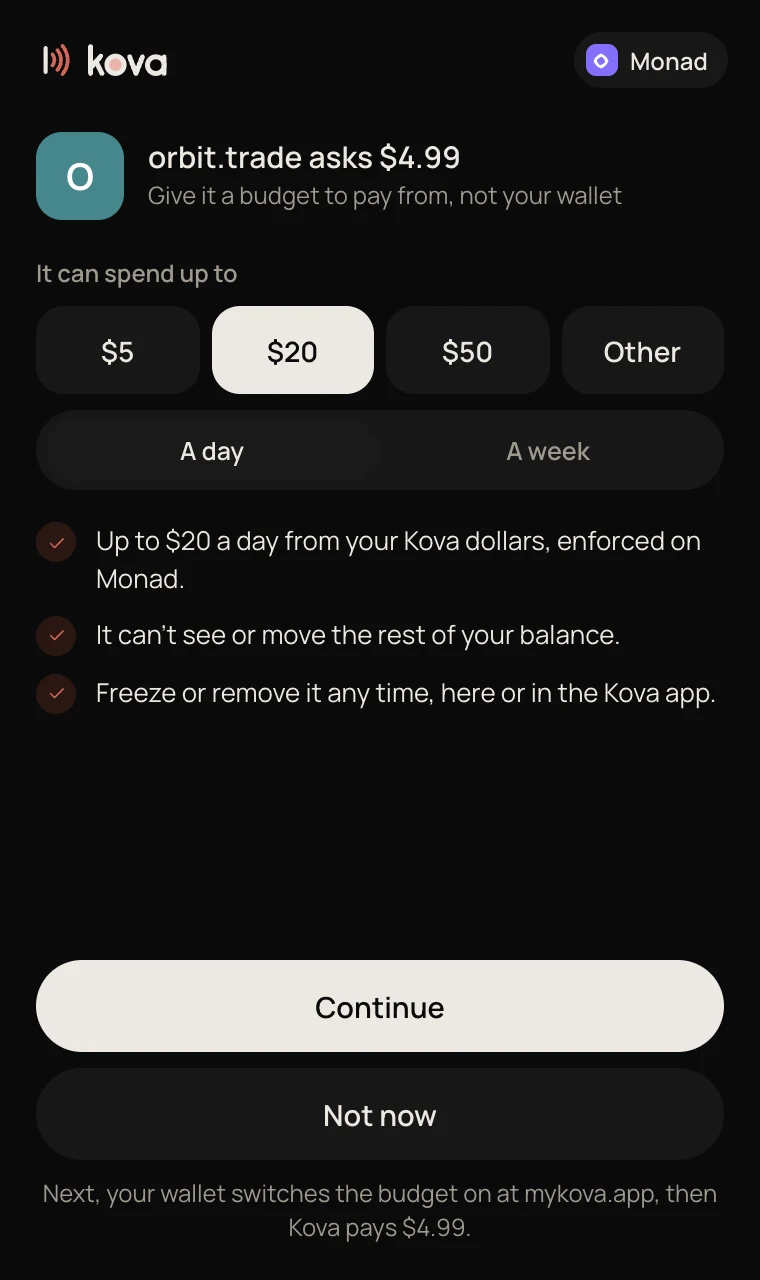
The first time a site asks to be paid, Kova asks you for its budget. Pick one, approve it once, and the tip goes.
- 03
Read a 1¢ article
The page answers “402 Payment Required”. Kova pays the cent from this site’s budget and the article opens. No checkout.
Both go to Kova, from your Kova dollars on Monad. Nothing moves until you say yes.
Most wallets hand a site the keys. Kova hands it a budget.
| When | The usual wallet | Kova for Chrome |
|---|---|---|
| A site wants your money | You approve a token allowance, often with no limit at all. | It gets a budget you choose: $5, $20 or $50, a day or a week. |
| The site turns bad | It can take everything you approved. | It can spend its budget. Monad refuses the rest. |
| You want it stopped | Revoke each approval on-chain, token by token, paying gas each time. | One switch. Or Freeze all. |
| A page costs a cent | There’s no way to pay it without a checkout. | Paid from the site’s budget by itself, and the page opens. |
| Getting in | A seed phrase to write down and guard. | Your passkey or Google: the same wallet as the Kova app. |
Three steps, about a minute.
- 01
Download
Download the zip below and unzip it. You get a folder called kova-chrome-0.1.0.
- 02
Switch on developer mode
Open chrome://extensions in Chrome and turn on Developer mode, top right.
- 03
Load it
Click Load unpacked and choose the folder. Pin Kova to the toolbar, then connect your wallet with your passkey or Google.